> For the complete documentation index, see [llms.txt](https://docs.furiesmellow0x69.com/raid-bot/llms.txt). Markdown versions of documentation pages are available by appending `.md` to page URLs; this page is available as [Markdown](https://docs.furiesmellow0x69.com/raid-bot/autoraid-kols/editor-3.md).
# /autoraid enable
Enable AutoRaiding
### Example
**`/autoraid enable`**
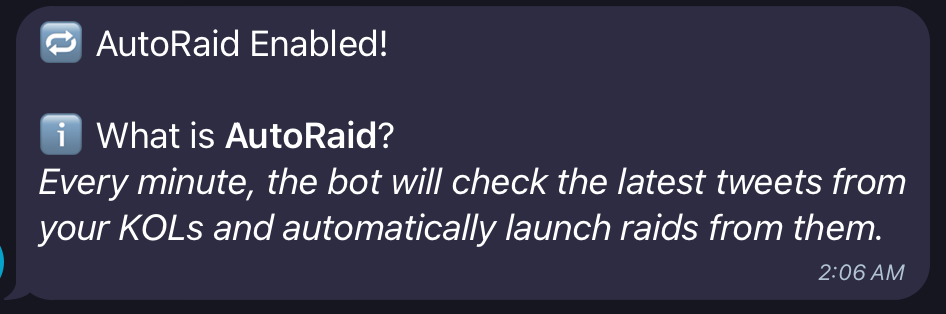
Once you have enabled AutoRaid, you will get a confirmation message.
Want to view KOLs?: `/kols`
Want to add a KOL/Influencer?:`/addkol @TwitterHandle`
Want to delete a KOL/Influencer?:`/delkol @TwitterHandle`
Want to disable AutoRaiding?: `/autoraid disable`
Want to set the [Dynamic](/raid-bot/raid-management/editor.md#dynamic-mode) Likes Target for AutoRaids?: `/autoraid likes NumberHere`
Want to set the [Dynamic](/raid-bot/raid-management/editor.md#dynamic-mode) Retweets Target for AutoRaids?: `/autoraid retweets NumberHere`
Want to set the [Dynamic](/raid-bot/raid-management/editor.md#dynamic-mode) Replies Target for AutoRaids?: `/autoraid replies NumberHere`